
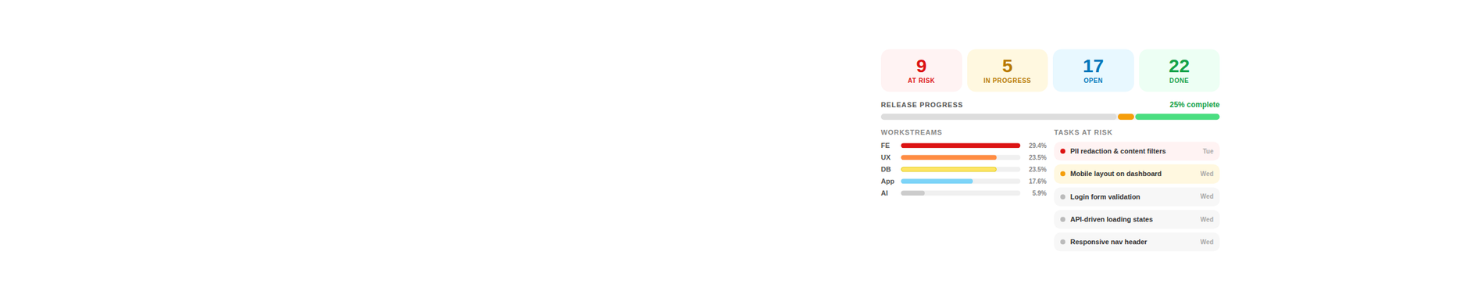
Deliver Projects
With Clarity
Expert ClickUp consult that keeps your projects on time, on budget and fully visible – so you can focus on growth, not firefighting.
ClickUp Verified Consultant helping agencies and service teams fix broken workflows, dashboards and automations.
Services



Blog Posts: Workflow Audit Series

Not sure where to start? Start with a Workflow Review
- In a focused audit I will:
- Review your current workspace structure
- Identify workflow bottlenecks
- Map how tasks should move between teams
- Recommend automation opportunities
- Typical turnaround: 3–5 days
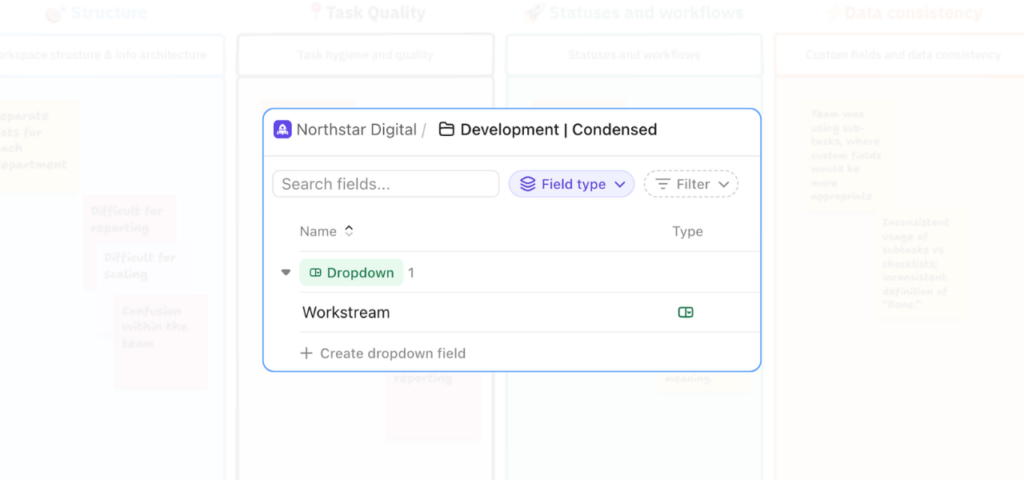
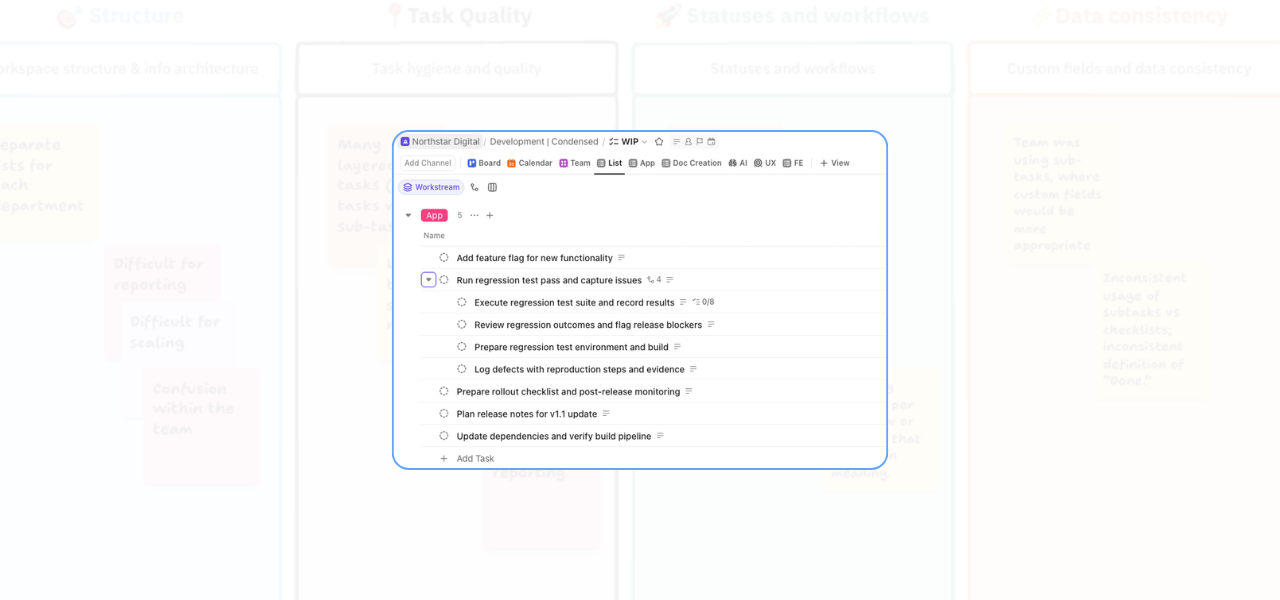
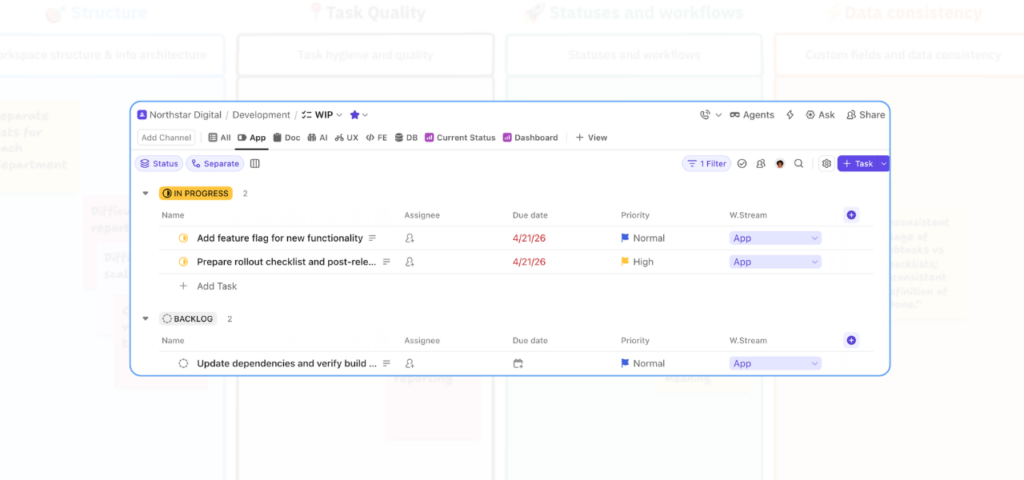
See what a ClickUp workspace audit actually looks like
I recently shared a real workspace audit for a SaaS team with 6 departments and 30+ employees. They needed more clarity, better visibility, and a stronger foundation before introducing AI and Super Agents.
This blog post and this video, walk through what I reviewed, what the pain points looked like in practice, and why this stage matters before you start layering in automation or AI.