
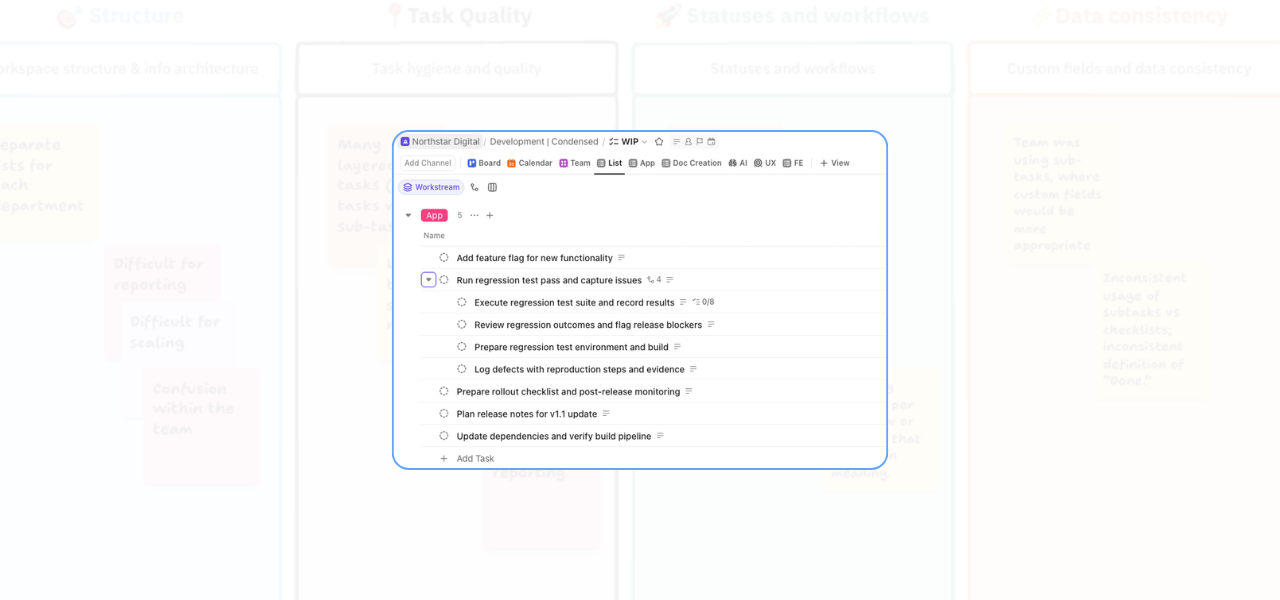
If your ClickUp workspace feels harder to manage than it should, task structure is often part of the problem.
One issue that comes up regularly in workspace audits is over-layered tasks. On paper, multiple levels of subtasks can look detailed and organised. In practice, they often create the opposite: confusion over ownership, cluttered views, and inconsistent ways of managing work.
In this video, I walk through a practical example of how I cleaned this up for a client.
Because I could not show the original workspace, I recreated the setup in a demo space. But the issue — and the fix — is the same.
How too many nested subtasks affect ClickUp task hygiene
The workspace had parent tasks, child tasks, and then another layer of child tasks underneath that.
While nested subtasks can be useful in some situations, this team did not need that level of complexity. Instead of helping, it was making the workspace harder to follow.
The result was predictable:
- More confusion for the team
- Less consistency in how tasks were set up
- More effort needed to find work in the right place
- A structure that was harder to maintain over time
The structure we used for better ClickUp task hygiene
To simplify things, we introduced a clearer rule for how tasks should be organised:
Parent task → subtask → checklist item
Anything below the first subtask level was moved into checklist items.
This kept the task structure visible and manageable without losing the detail needed to complete the work.
It also meant the team had a more practical framework to follow instead of building task structures differently every time.
Why checklist items worked better here
Checklist items gave the team a way to keep smaller action steps inside the relevant subtask without creating another layer of complexity.
That made the hierarchy easier to read and reduced the chance of tasks becoming buried.
For this team, it was the right balance between structure and usability.
How we made the change stick
Cleaning up the existing tasks was only part of the solution.
To make sure the same issue did not keep coming back, we also put an SOP in place so the team knew exactly how deep they were allowed to go when creating tasks.
Then, at a system level, we turned off deeper nested subtasks in ClickUp settings.
If you are an admin, you can manage this in ClickUp by going to:
- Settings
- ClickApps
- Tasks
- Nested subtasks
From there, you can reduce the allowed subtask depth so the structure stays consistent moving forward.
The wider benefit of better task hygiene
This kind of change might sound small, but it has a real operational impact.
When task structure is cleaner:
- Teams can see work more easily
- Assignment becomes clearer
- Views become more reliable
- Handovers get smoother
- The workspace is easier to trust
That is what good task hygiene really does. It removes unnecessary friction so the system supports the team properly.
Watch the full video
In the full video, I walk through the cleanup process step by step, including how to replace extra task layers with checklist items and how to adjust the ClickUp setting that controls nested subtasks.
If your ClickUp setup has become messy, inconsistent, or difficult for the team to follow, this is exactly the kind of issue a workspace audit can uncover and fix.
If you want support simplifying your structure and improving how your team works inside ClickUp, you can get in touch here:
Related Content
Walk Through a ClickUp Workspace Audit with Me
Improve Clarity in ClickUp: 2 Practical Ways to Reduce Workspace Confusion
How to Use Custom Fields in ClickUp to Improve Data Consistency and Reporting
Role-Specific Views in ClickUp: How to Reduce Workspace Clutter
How to Build a ClickUp Dashboard for Better Project Visibility
How to Manage Private and Public Docs in ClickUp Without Creating a Messy Workspace