
Category: ClickUp Workflow Audit
-
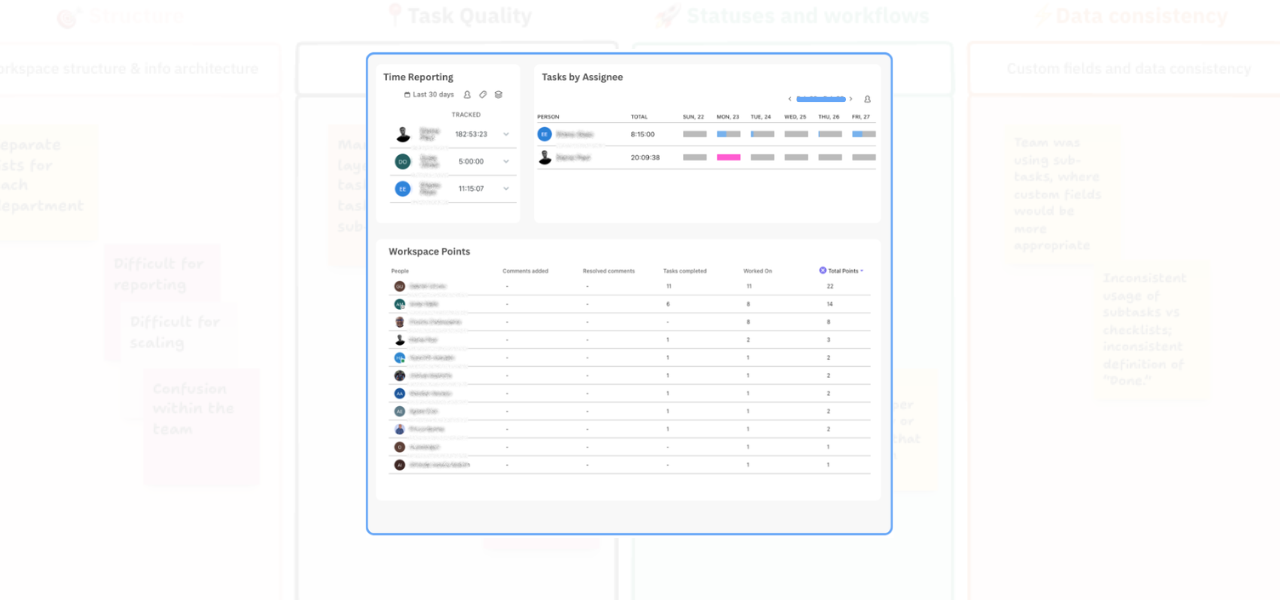
If you’re not sure whether your team is really using ClickUp properly, dashboard reporting can give you the visibility you need. Here’s how to track activity, adoption, and task movement in a practical way.
-
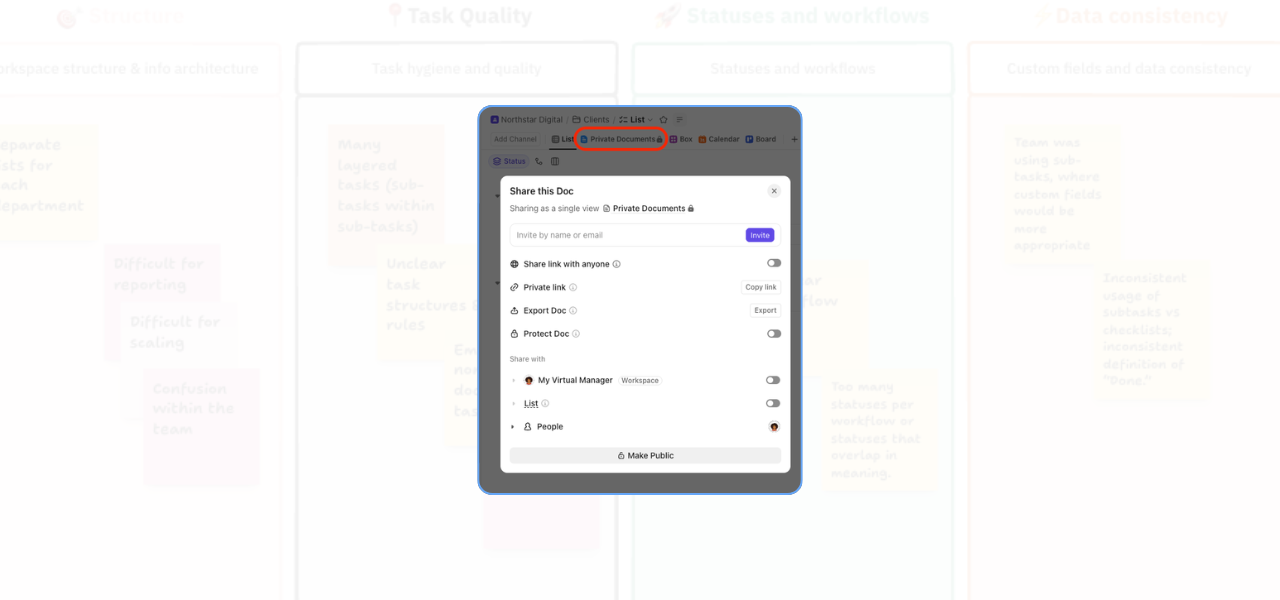
A simple guide to managing ClickUp document privacy so you can protect sensitive information and share the right resources more confidently.
-
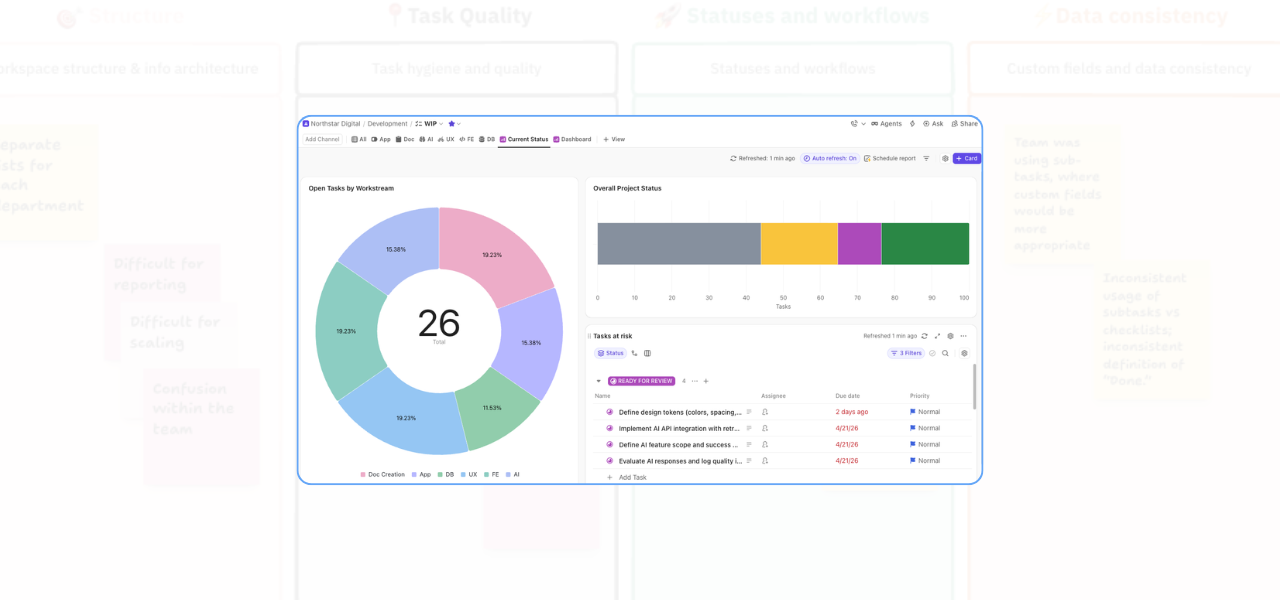
A well-built ClickUp dashboard can give you a much clearer view of what is happening across your work. Here is how to use dashboards to track workstreams, monitor project status, and spot at-risk tasks before they cause delays.
-
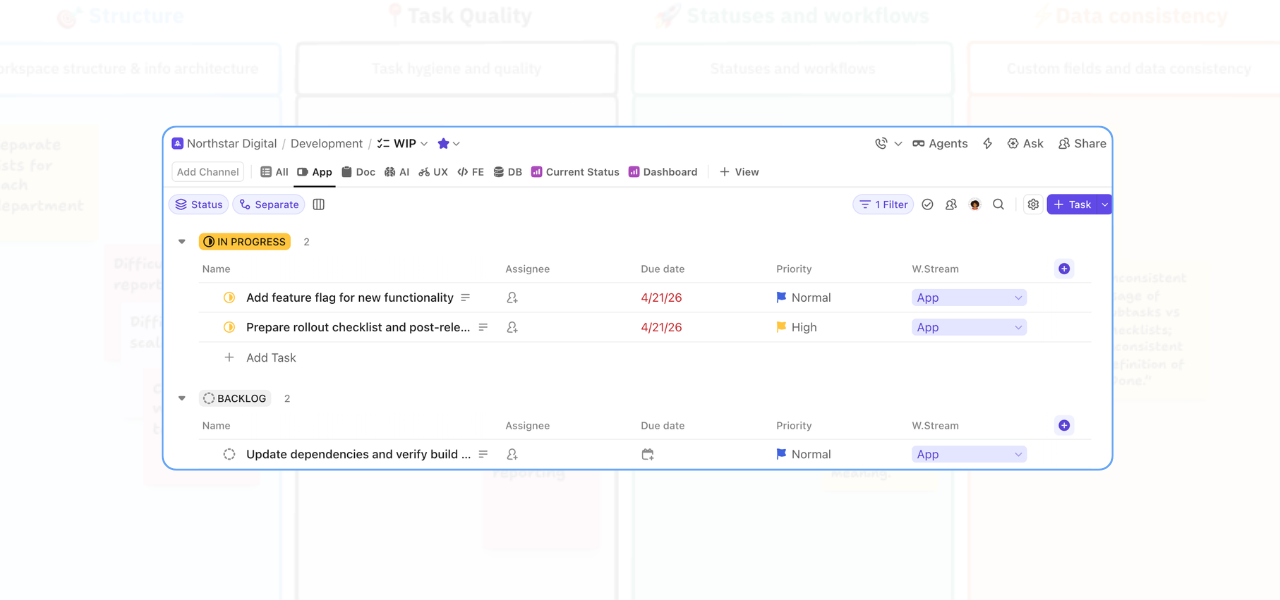
Learn how to create role-specific views in ClickUp to reduce workspace clutter, improve task visibility, and help teams find the right work faster.
-
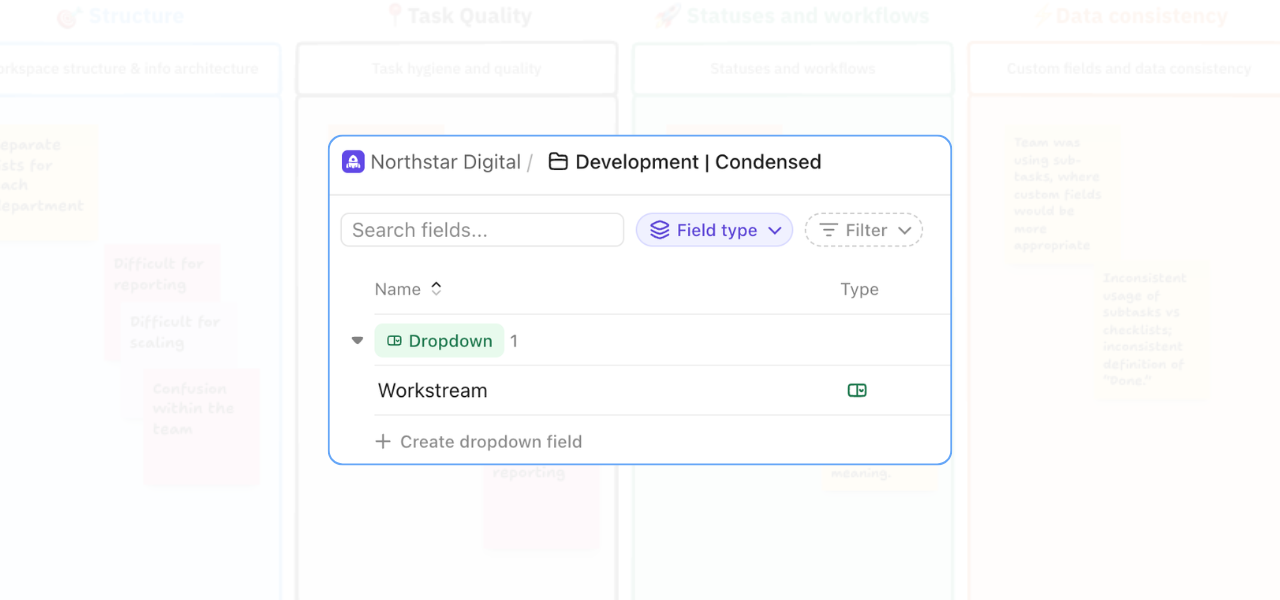
One of the most common problems that comes up in workspace audits is teams relying on extra lists or subtasks to separate work that would be better handled with custom fields. At first, that can seem logical. But over time, it usually creates friction. Reporting becomes harder. Visibility gets weaker. And the team has to…
-
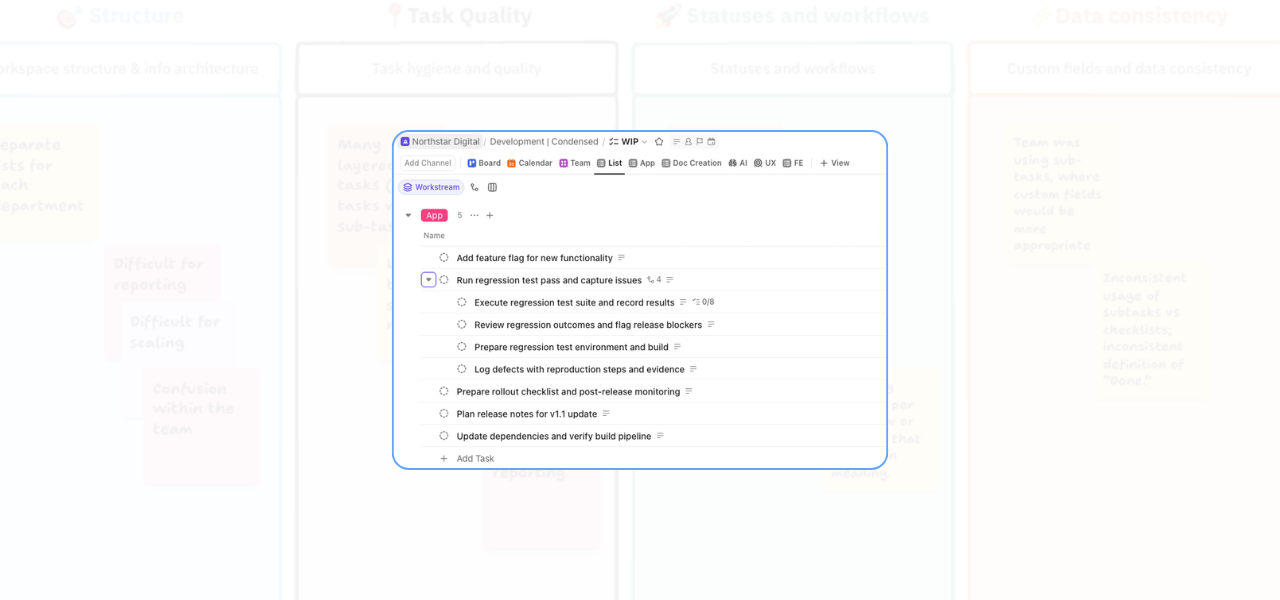
If your ClickUp workspace feels harder to manage than it should, task structure is often part of the problem. One issue that comes up regularly in workspace audits is over-layered tasks. On paper, multiple levels of subtasks can look detailed and organised. In practice, they often create the opposite: confusion over ownership, cluttered views, and…
-
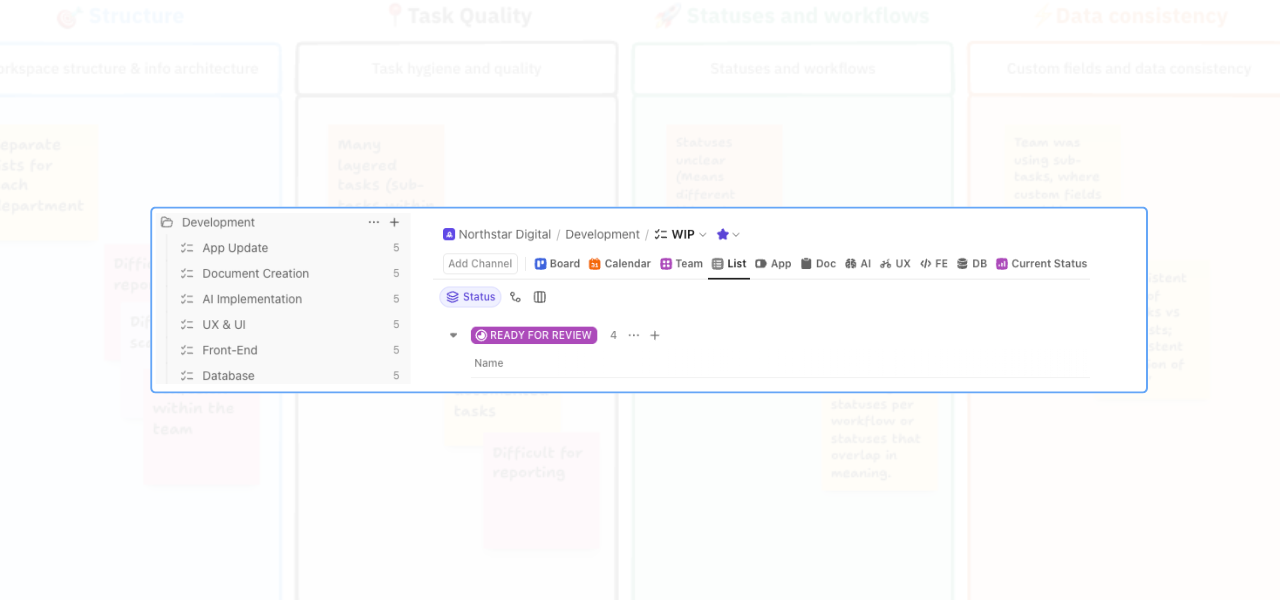
When a ClickUp workspace starts to feel confusing, the problem is often not the work itself. It’s the structure around it. One of the most common issues I see in workspace audits is work being spread across too many lists, with no clear central place for the team to look. On paper, the setup may…
-
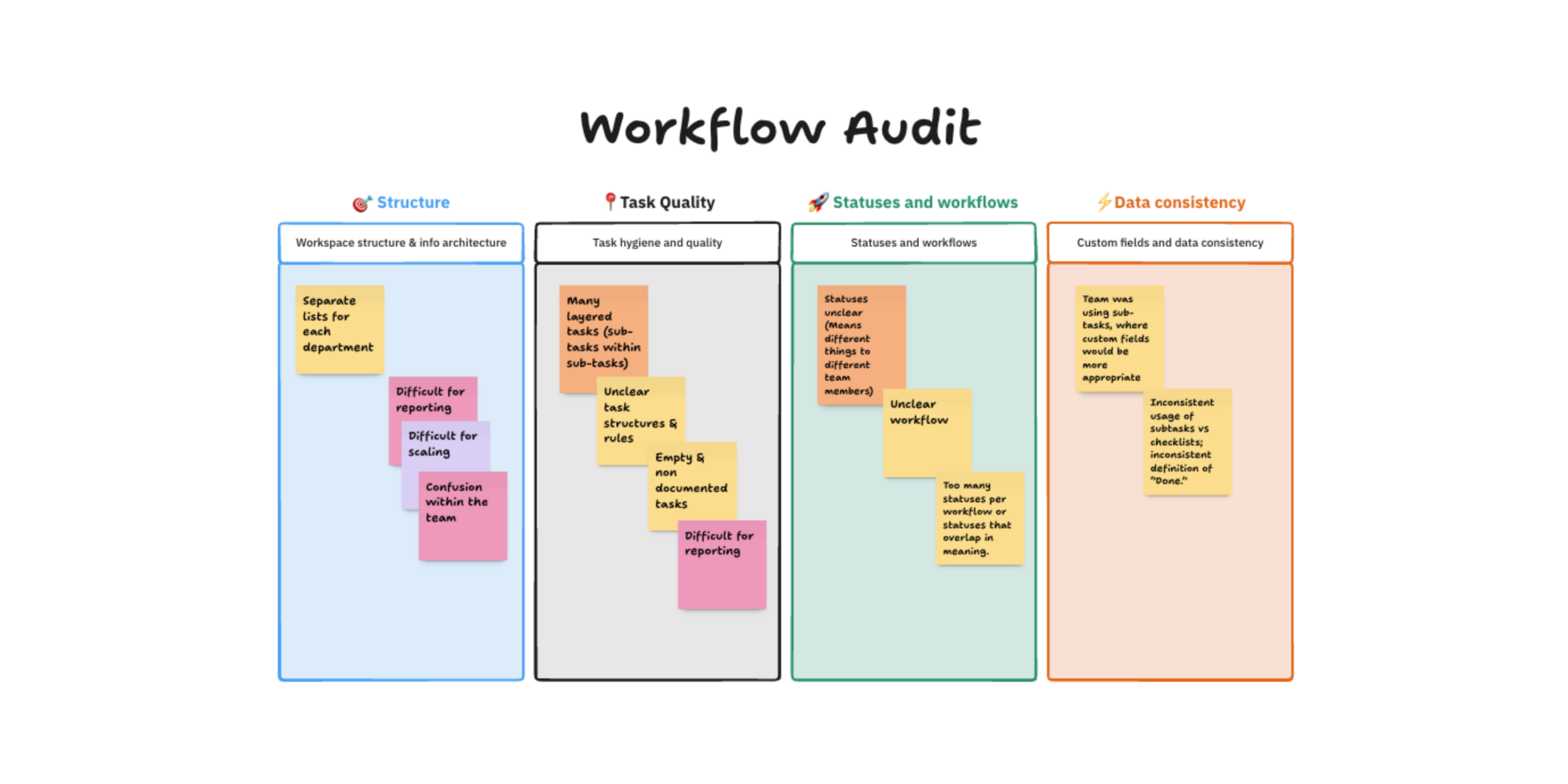
This workflow audit was created for a SaaS development team with 6 departments and more than 30 employees. They were at the point where ClickUp was holding a lot of work, but not giving them enough clarity. Deadlines were being missed.Work was moving across teams without enough visibility.Management didn’t have a clear view of progress.…